Not for the first time some pundits are predicting the imminent collapse of Adobe.
Discontent with the company’s apparent disregard of its regular customers has been simmering for more than a decade. Exactly a year ago that pyre was lit again when Canva announced the release of an entirely free version of its Affinity suite on the very eve of the annual Adobe MAX presentation event.
This year the flames have been fanned further with the cloning of its complete catalogue available to all as Open Source, completely free to everyone, photographers, designers, videographers - every aspiring creative who couldn’t afford, or just didn’t want to pay the subscription.
There is a certain irony in that the democratisation of creativity which was heralded a year ago as its marketing strategy has come about at Adobe’s own expense. But there is more to it than an apparent fatal blow at its market dominance, and as with everything, there is a price. For those keyboard warriors revelling in its demise, be careful what you wish for.
It seems this is not a revolt against the price - expensive as it is - or the subscription itself but the complication and cost of getting out of a contract once agreed hidden in the small print. That and the very real prospect that Adobe can make additional changes to a product you have to pay for even if you don’t want them.
The whole creative cloud family has grown massively since the very first app in a box which was the original product - with optional paid updates. Now updates come almost monthly, and though you have the option to decline them, they may contain fixes to bugs and other improvements that may be necessary. And this is the dilemma of simply cloning the current crop of programmes if there is no comprehensive plan for development.
It may be admirable to offer a service for free, but if there is no revenue source to support further progress or correct inherent faults it could be short term gain for long term pain. This won’t deter the many that will jump at the option of a free lunch, but it is a note of caution for the professional user who has a longer term agenda.
The Adobe suite has its failings, but it is backed by a major multinational company with extensive resources in money and manpower. Affinity is offered as a free option but is supported by the giant that is Canva and has just been updated. Artcraft, the current contender, appears to have been magicked into existence by a software geek with a grudge and crafted with AI, and even its most vocal supporters are saying it is still in its infancy.
Whether it will have a chance to grow is the issue - not in user numbers, but in terms of possibilities. What has been created is a moment in time - a snapshot of what an Adobe programme was a month ago. What it will be in November, and how the parent company will react to it remains to be seen but I'm sure they have as many lawyers as software engineers looking into the options.
I think the real danger is that instead of searching for an answer to the alternative it may indulge itself in even more adventures in alternative intelligence. I always had the impression that Adobe was rather rushed into AI by commercial pressure rather than technical needs. After all, advanced machine learning had been gradually creeping into many of its applications over the last decade as we have chronicled in this column. But it seems when AI exploded in popular culture there was a knee jerk reaction to get ahead of the competition at any cost.
But the technology is a double edged sword in that as the clever machines are able to perform beyond expectations and conjure up solutions in days rather than years there is an opposite. If they can be built that quickly by AI presumably they can be just as easily taken apart, as a number of current crises seem to confirm.
Adobe’s dilemma, particularly with Photoshop, predates the AI one. It had become top heavy with each new novelty stacked upon the other but they couldn’t change it having spent years developing a regularly working audience - the workspace and practise were too well established. That’s why virtually every other attempt to provide a substitute has ended up being little more than a carbon copy .But that’s not good enough because you are always going to be at least one step behind.
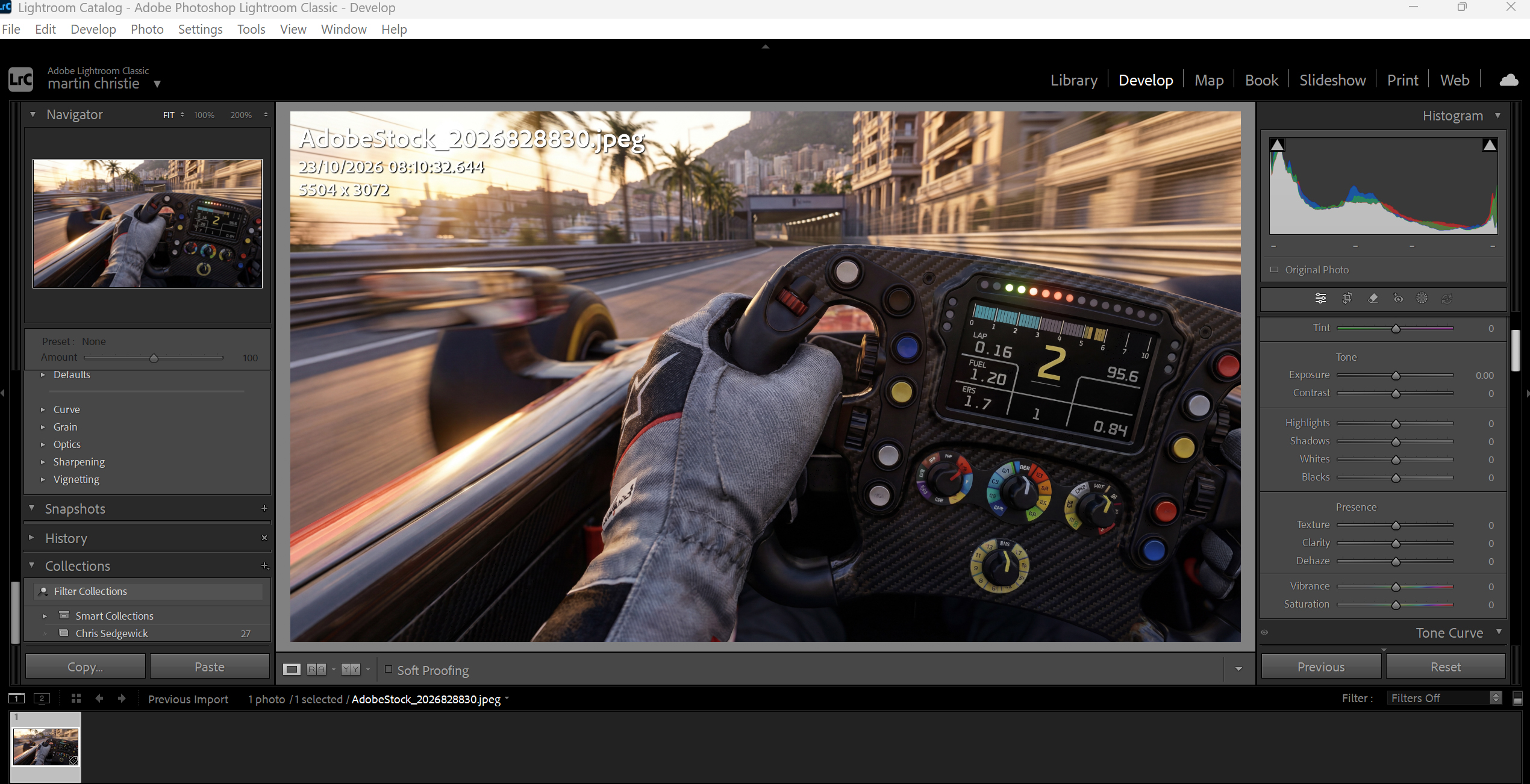
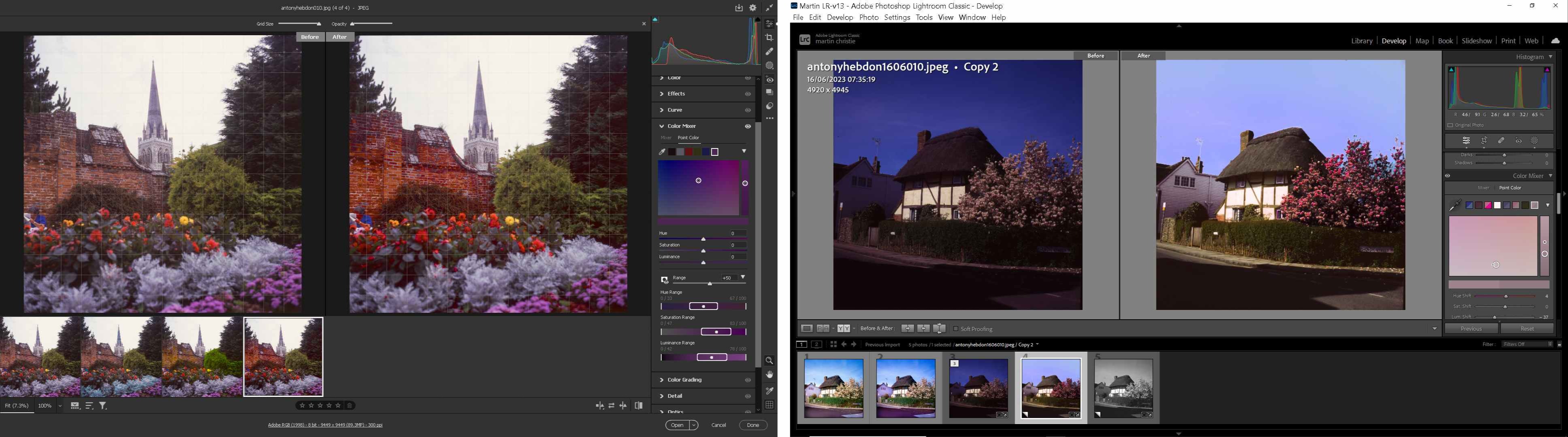
Adobe came up with its own replacement in Lightroom when it realised an increasing trend towards graphic design was in danger of leaving photographers in the dark. I work mostly in LR because I am generally working with multiple images but I still need PS for final polishing. The two are complimentary not competitors. If you are new to LR it looks alien because it's not the workspace you are used to but as you become more familiar you realise it's actually more intuitive dealing with the most important tasks like exposure and colour. Perhaps just as significant it is not a memory drain as it only works on a virtual copy of an image and commits edits at point of export - thus also being non destructive so you don’t make changes you can’t undo.
You need both, especially for print, as Lightroom doesn’t do vector files or text, and can’t convert to CMYK colours. But several Develop features, trialled in LR have been appearing in big brother PS, first in Camera Raw, and more recently in the main menu. The problem is the additions make PS even more bloated than before with so many confusing options it's hard to know which to choose when you can go a long way in the wrong direction before you uncover a mistake.
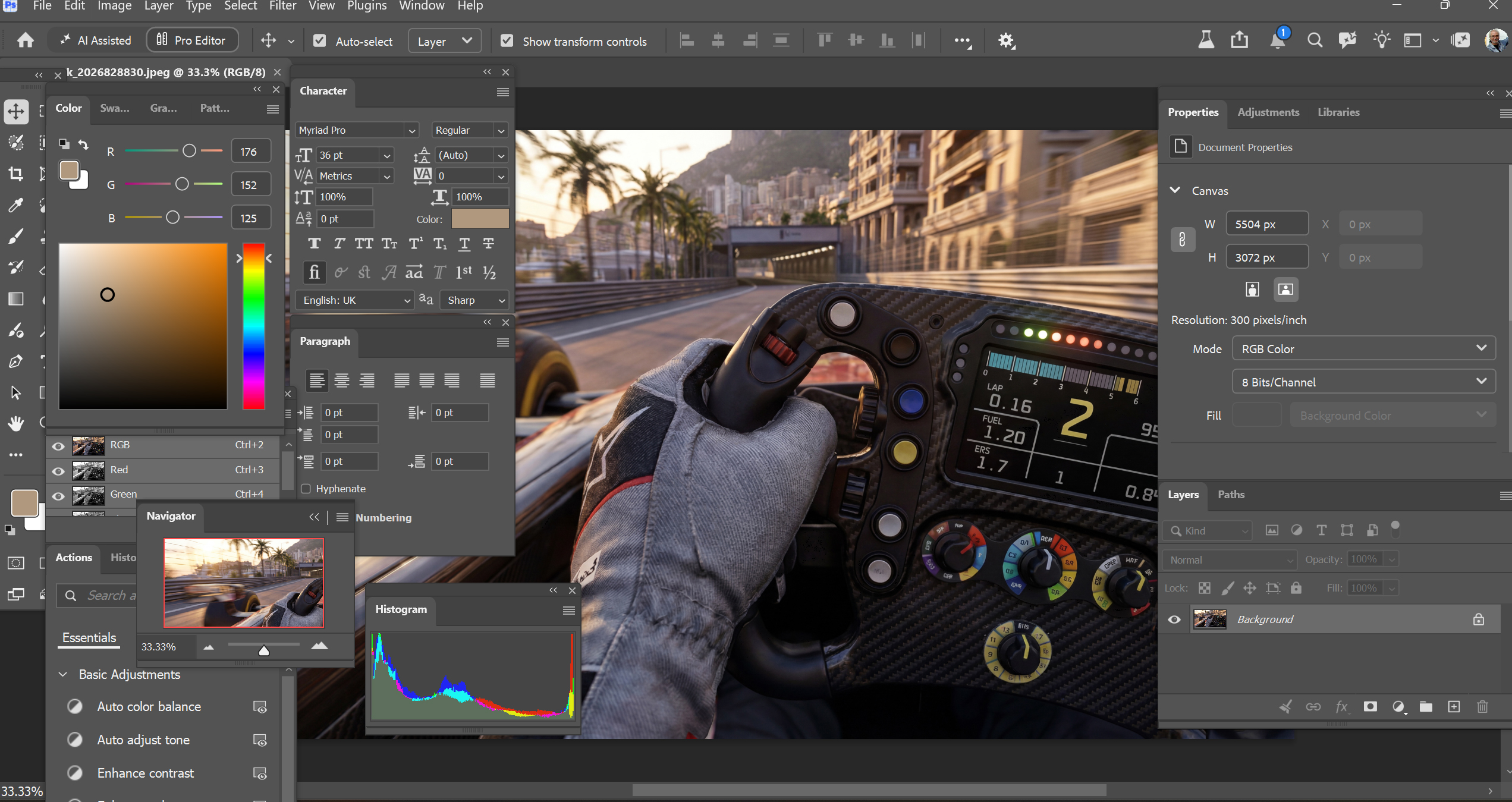
It’s always been a strength of Photoshop that there were more than a few ways to do any task, and that you could effectively find the one that suited your work practice best until a better one came along. Many of the tips in this column have traditionally been best practice more than dramatic innovation. This is all very well for long serving photo editors like me who can fall back on more than two decades absorbed on the job training. But teaching advanced PS, even to someone with a basic working knowledge, is a challenge which is not helped by Adobe’s increasing use of AI to shortcut functions that were previously manual operations.
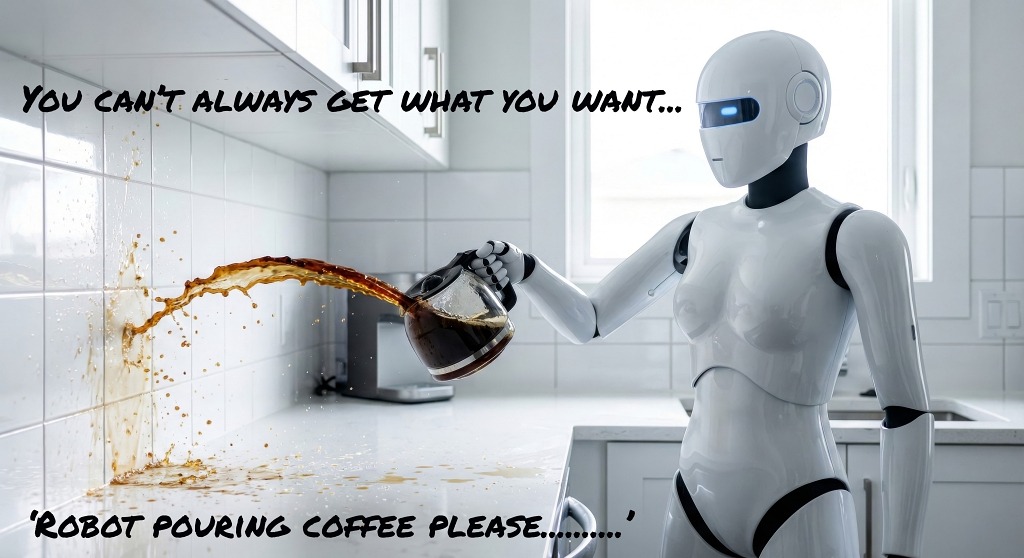
And it's not like there’s just one shortcut, one button to press. By incorporating several of the popular AI apps like Gemini and Nano Banana as well as several versions of their own Firefly, there’s a bewildering selection of optional creations which you can’t preview and which will only give you a couple of non-reversable options.
The relevance of this to those of us who have to work with this technology is that we don’t have the time to waste - either due to customer demand, or a personal desire to just be doing something more creative than picking random options from an obscure menu. If it is customer pressure, over the counter or by email, it is further aggravated by the fact that they already think they have been marvellously creative with their offering and you are just being obstinate by pointing out the flaws. Those flaws of course are numerous because no one has taught AI about print, and as I have often pointed out, not a single image editing programme has an advanced print dialogue option.
If the machines are indeed intelligent and can talk to each other it is frustrating that we still have to go through so many time consuming manual checks and often still produce the wrong result. As you will know one of the real costs in print is wastage - something that is hard to recover as it is often unpredictable. I may be naive in thinking that the whole point of using artificial intelligence was to make things predictable and remove the possibility of human error. The reality is often the reverse, especially if you assume the machine is always right.
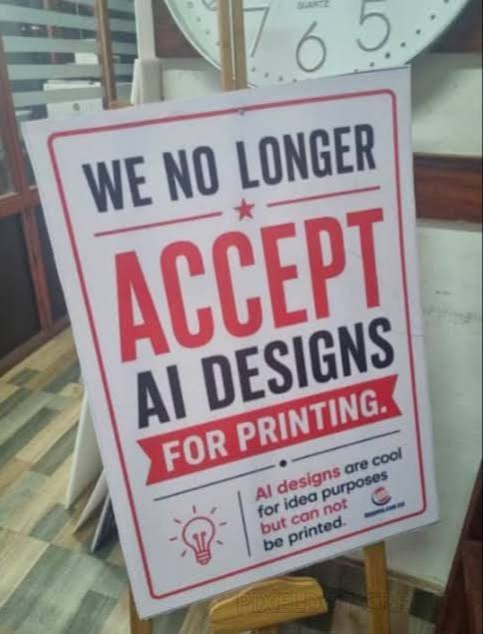
Of course, often it isn’t and that is becoming very obvious in the overuse of AI in image creation, now more commonly called slop. You can see that in the clutter that fills much of the popular designs that AI is churning out for the general customer, and turning up on our job lists. It’s not just that it may be low resolution, lacks bleed or any attempt at originality - it's just way too busy. With all those resources available from its worldwide data centres it does the obvious - it just throws everything at the page that could possibly be relevant. There’s no simplicity in design, and no concept of originality.
Fortunately there already seems to be a kickback against AI generated images as research shows clearly it has much less take up from those who view it overall but it will take a while for this fact to drip down to the average print on demand customer. It will still be available at the press of a button however, and all too common if people are expecting instant creativity.
Unfortunately I don’t have a solution, that needs someone much smarter than me. But I have a good friend who is a professor of human psychology and an expert in computer science and she took a good look at Photoshop without any knowledge or interest in image editing and concluded that the working environment - what they call UI or human interface - was awful. It’s hard to disagree, especially if you’ve tried to show someone unfamiliar with the workspace how to do anything really. Nothing is exactly where it needs to be for efficiency - rather just because it was put there in the first place. Not a problem for a computer mind which can sift through many tasks almost simultaneously and without distraction. We mere mortals have to juggle many other things and still come up with the correct solution. A computer only has to come up with a solution to satisfy its directive, right or wrong.
A good example of alternative working environments might be the cockpit of a modern passenger aircraft compared to that of a fighter jet. Both are extremely complex to deal with all the many functions involved in flight. But the airline pilot has the luxury of time on his side - unless an emergency arises - to browse all the dials and carefully select his options. The combat pilot does not have that comfort zone and his workspace has been specifically adapted to crisis management and displays what he needs to know when he needs it. No distractions.
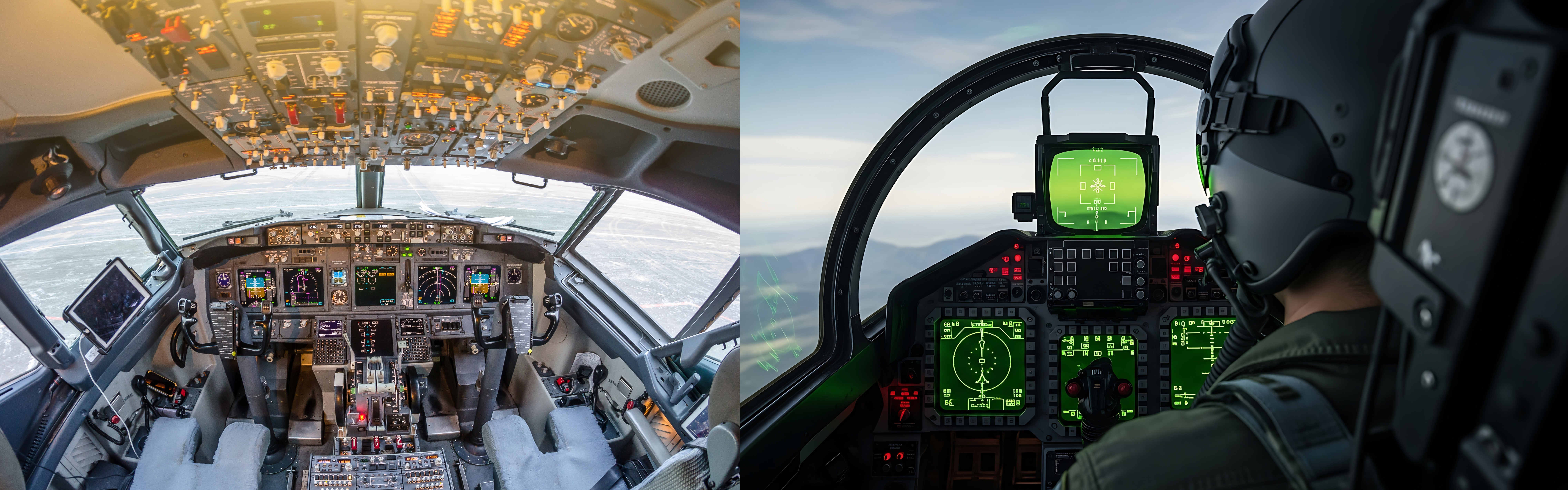
This may seem a far fetched comparison but if you think about it the passenger plane has a long lifespan - longer even than Photoshop - and manufacturers can’t make radical design changes in the controls without starting flight training all over again for all the long serving crews. The fighter, and its crew, by necessity have to be state of the art.
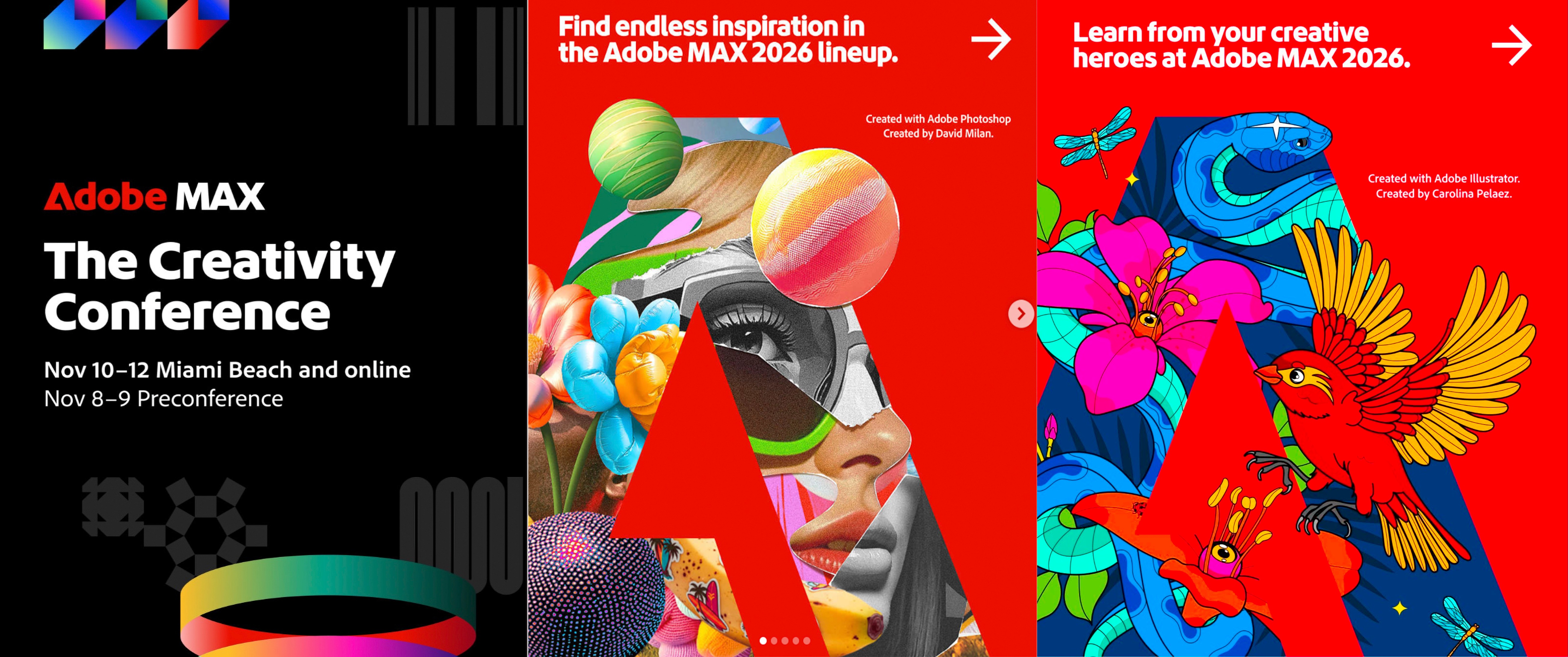
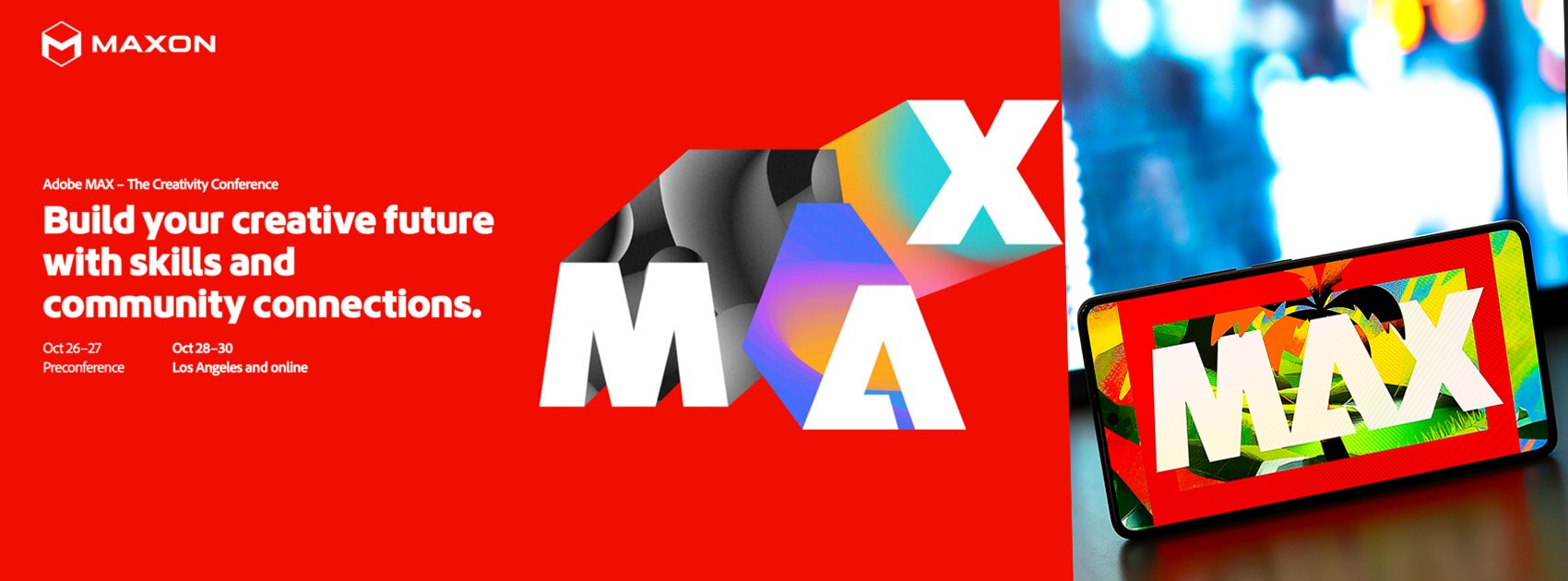
Now it would be marvellous if Adobe, with all its resources, could give us a working space much more like the latter and less like the other so we didn’t have to go through all those switches in a panic trying to find the right one. I won’t hold my breath but more will be revealed next month after MAX in Miami Beach. Will keep you posted.
.jpg)