That single sentence has echoed across copy centres and printers worldwide for decades, muttered by customers staring at a glowing, backlit monitor who genuinely believe that what looks vibrant in RGB is somehow ready for CMYK physical ink. Dean Cook explains there is a huge difference between doing it yourself, AI doing it for you, and a designer doing it properly.
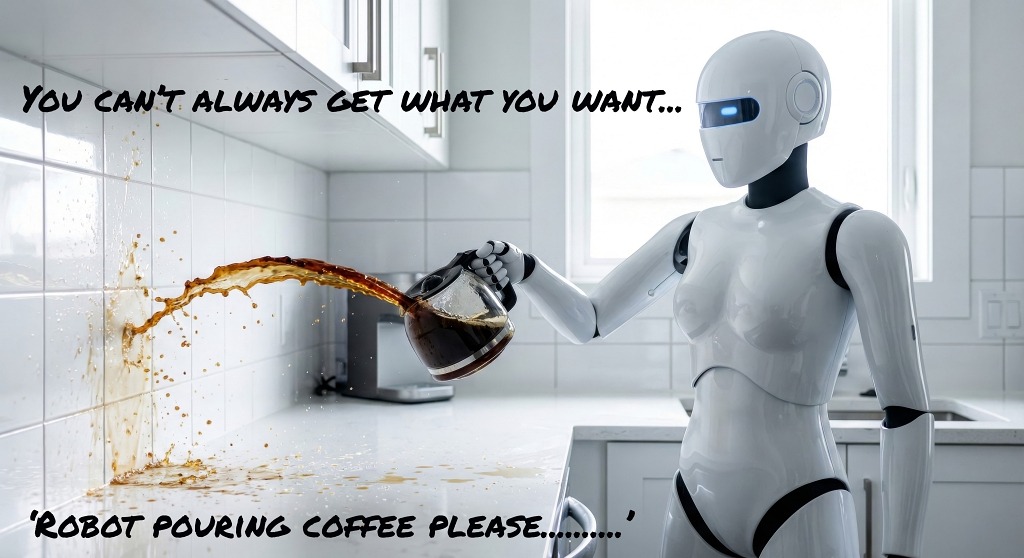
Now, with the explosion of online DIY software (such as Canva) and AI generators, that cry has been amplified. Business owners are spending hours wrestling with files, completely convinced they are employing a process that saves them time and money — even if it's just a few pounds. What they fail to realise is that they have walked straight into The Artwork Tax Trap.
The Artwork Tax Trap: A Double Penalty
The Artwork Tax Trap is a self-imposed penalty. First, it’s a tax on your time — hours spent hunched over a laptop trying to use tools you don't fully understand, trying to force a square peg into a round hole hoping for reasonable results. Second, it’s a trap of perception: the false belief that access to software equals mastery of a discipline, resulting in a piece of print that actively undermines your brand. The output will only ever be as good as the input, and that includes the technical side too, which you simply don't see on a screen.
Since the hours spent fighting with image assets don't arrive on an external invoice, customers treat their own time as "free." They forget that every hour spent attempting to design is an hour taken away from running their actual business.
Your Screen Lies. Here's Why — The Technical Reality
The disconnect between screen and paper comes down to four fundamental pillars of print production that DIY tools and screens completely disguise:
Resolution (PPI, not DPI): A monitor cheats by packing high pixel density into a backlit display, making a low-resolution web image look sharp. But commercial printing requires a minimum of 300 PPI (pixels per inch) at actual size to feed physical printing plates. Drop that image onto a full-bleed page without knowing it, and it collapses into an embarrassing, pixelated mess under the press's scrutiny.
Colour Behaviour (RGB vs. CMYK): Screens use additive colour (Red, Green, Blue light) which projects a brilliant, glowing spectrum that physical inks can never replicate. Commercial presses use subtractive colour (Cyan, Magenta, Yellow, and Black ink) absorbed into paper stock. When an unmanaged RGB file hits the press, those electric blues, neon greens and bright oranges dull down into muddy, inaccurate disappointments.
Trim and Finished Size: Paper moves through high-speed mechanical presses. Trim marks dictate the exact line where the guillotine blade cuts the paper down to its finished size (such as an A5 leaflet at 148 × 210 mm). Without precise setup, even a fraction of a millimetre off register means a stack of paper being guillotined may result in white lining on the edges of the artwork.
Bleed: Because physical cutting knives can fluctuate microscopically during high-speed mass finishing, artwork must extend beyond the trim line — usually a 3mm bleed on every edge (making an A5 page 154 × 216 mm). If you design right to the edge without bleed, a microscopic knife shift leaves a slight white border on any side of your printing.
Why Expertise and Professional Software Matter
This is why having the right expertise from an artworker (or designer) using the correct software — such as InDesign, Illustrator, Photoshop, and Acrobat, which are geared specifically for commercial printing rather than office-based software or AI generators — is non-negotiable.
Professional software handles colour spaces, dynamic preflighting, transparency flattening, and page geometry natively, ensuring a compliant-PDF file that passes straight through prepress without a hitch. More importantly, it creates structured, layered assets where future edits can be made in seconds, or swiftly adapted for different applications, such as embroidery, social media, printing (digital/litho/screen), sign writing and more.
If a professional can take your core message — your sell line, what you do, how it works, and why it benefits — and build a production-ready asset in a fraction of the time, rather than being hunched over your laptop for hours trying to save a few pounds, it is always worth the investment. Stop paying the tax and let those who know deliver your message professionally.
To understand more about resolution, file formats and how it helps with print quality, www.magazineproduction.com/jpg-vs-pdf-adverts-print-quality-digital-interactivity-resolution
To help understand why AI-generated doesn’t meet commercial print standards and why a designer can help, www.magazineproduction.com/is-ai-artwork-good-for-print-why-you-need-a-graphic-designer
.jpg)